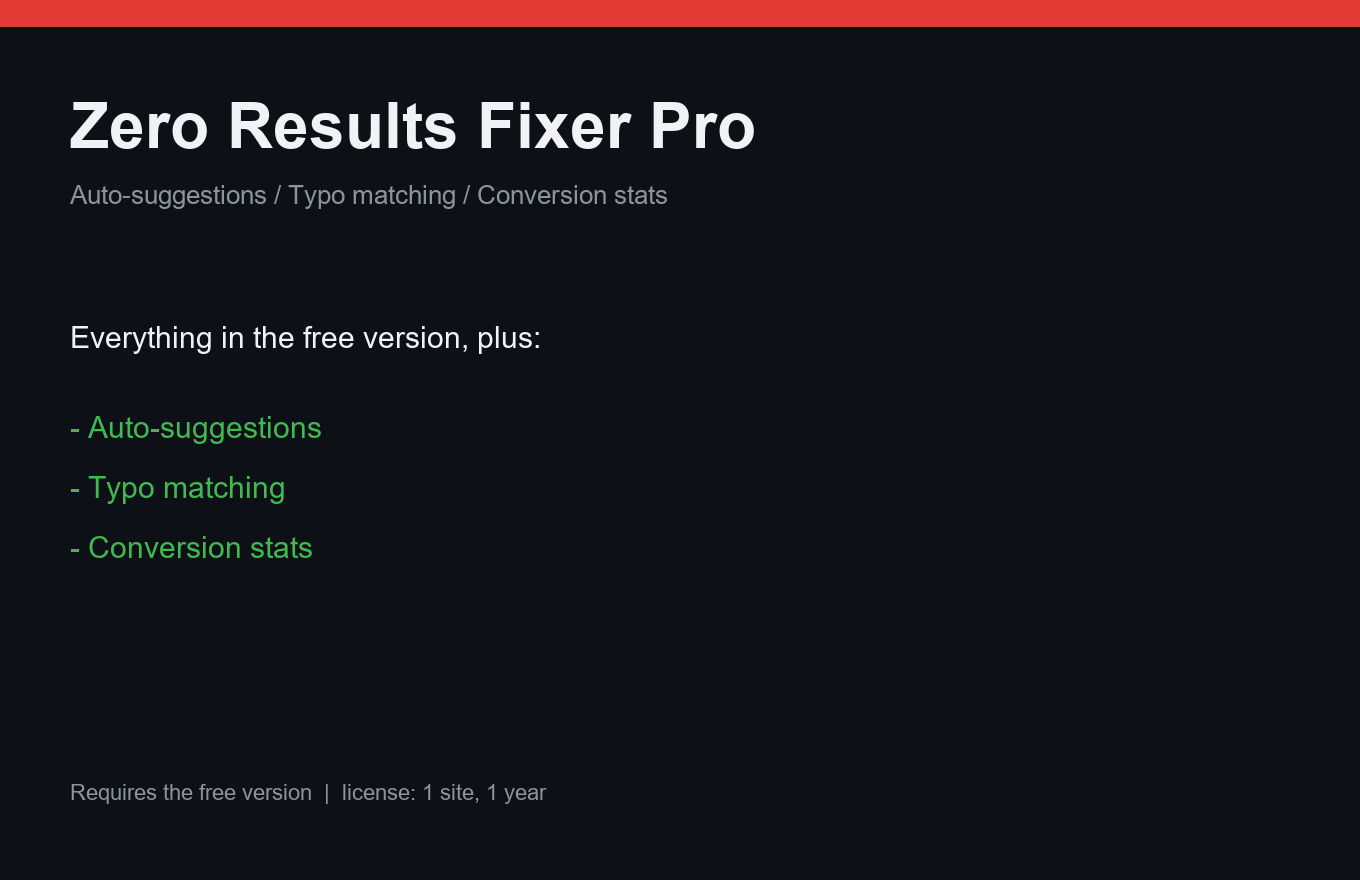
Zero Results Fixer Pro
Every empty search page is a customer walking out. Fix them automatically.
Instant delivery: license key + download right after payment.
About
The free Zero Results Fixer repairs empty search pages with manual rules. Pro makes it self-driving: every week you get "samcung galaxy was searched 40 times, 0 results → create a rule with one click". Typo tolerance uses fuzzy matching against product names and SKUs — an index over slugs keeps it fast.
You also see what rules actually earn: "this rule lifted zero-result searches from 0% to 31% conversion", tied to WooCommerce orders. Synonym packs ship for EN/RU/DE/ES.
What it does
- Weekly auto-suggestions from real zero-result queries
- One-click rule creation from a suggestion
- Fuzzy matching: typos like "aifon" → iPhone, matched to SKUs
- Slug-based index — fast even on big catalogs
- Rule conversion stats tied to WooCommerce orders
- Multilingual synonym packs: EN/RU/DE/ES
- One license = one site, 12 months of updates
Free vs Pro
| Free | Pro | |
|---|---|---|
| Manual rules | Yes | Yes |
| Auto-suggestions | — | Weekly, by email |
| Fuzzy / typo matching | — | Included |
| Conversion attribution | — | Included |
FAQ
Does fuzzy matching slow down search?
No — matching runs against a slug index, so it stays fast even on tens of thousands of products.
Do I need the free version?
Yes, Pro is a companion on top of free Zero Results Fixer, which must be installed and active.
Does it work without WooCommerce?
Rules and suggestions work for any WordPress search; conversion stats require WooCommerce.
Installation & uninstall
Free version
- Download the zip archive with the "Download free" button above.
- In your WordPress admin: Plugins → Add New → Upload Plugin.
- Pick the downloaded zip, click "Install Now", then "Activate".
- The plugin's menu appears in wp-admin — configure it to your liking.
Pro version
- After payment, download the Pro archive from your order page (the link is also emailed).
- Install Pro like any plugin: Plugins → Add New → Upload Plugin → Activate.
- The free version must be installed and active — Pro sits on top as a companion.
- Enter the license key on the plugin's Pro settings page.
Uninstall
- Plugins → find the plugin in the list → click "Deactivate".
- Then click "Delete" — the plugin and all its data (tables, settings, logs) are removed completely.
- The Pro companion uninstalls the same way, independently; the free version keeps working.
Every plugin we ship passes a clean-uninstall test: after "Delete" no tables or leftover settings remain in the database.
Reviews
No reviews yet — be the first.