SearchMiner Pro
See what visitors search for — and turn failed searches into sales.
Instant delivery: license key + download right after payment.
About
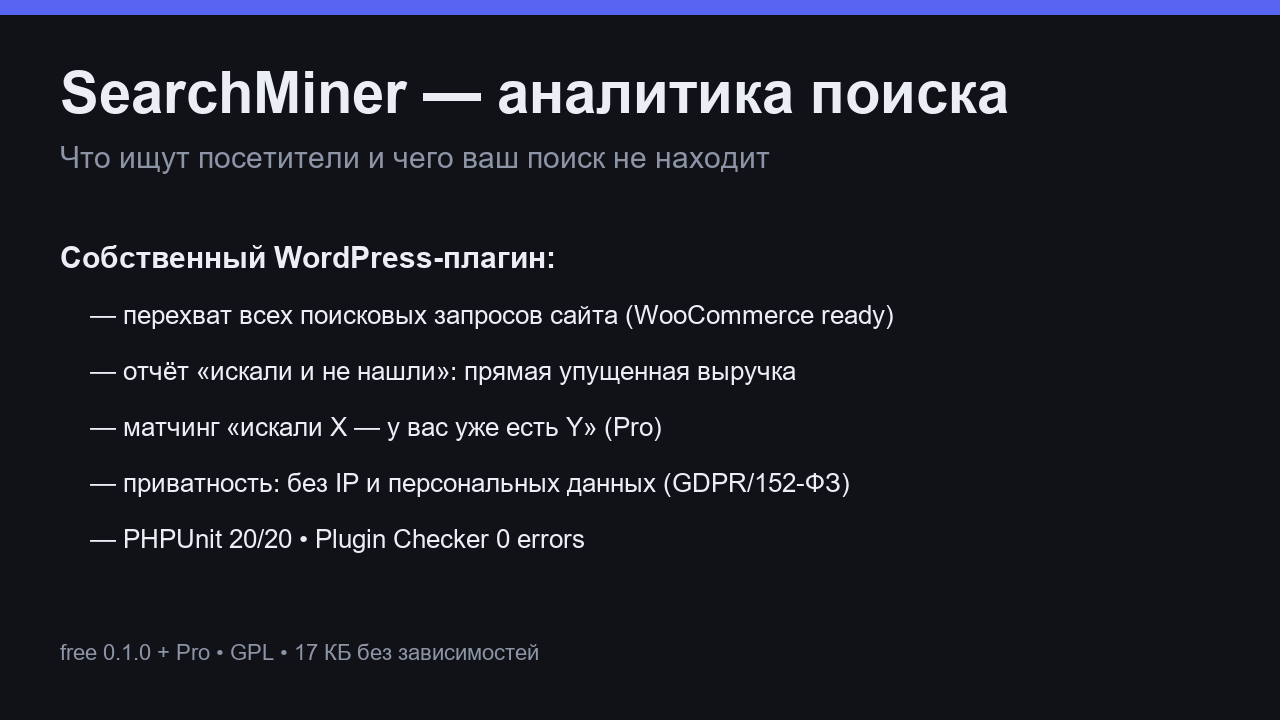
SearchMiner quietly records every search on your site: what people look for, what they find, and — most importantly — what they don't find. You get a weekly picture of real customer demand, written in your customers' own words.
The Pro version goes further: it converts zero-result queries into redirect rules and synonym pairs in one click, so a search for "aifon 15" lands on your iPhone listing instead of an empty page.
What it does
- Full query log with counts and trends
- Zero-result report — the demand you are losing right now
- One-click rules: redirect or synonym for failed searches
- Weekly digest of what visitors searched for
- WooCommerce-aware: track searches to product pages
- Privacy-friendly: queries stay on your server
- One license = one site, 12 months of updates
Free vs Pro
| Free | Pro | |
|---|---|---|
| Query log & trends | 30 days | Unlimited + weekly digest |
| Zero-result queries | List | List + one-click fix rules |
| Redirect / synonym rules | — | Unlimited |
| Search → product funnel | — | Included |
FAQ
Does it slow down search?
No. Recording happens in the background after the page is served, a few milliseconds per search.
Does it work with my search plugin?
It hooks the standard WordPress search. Most search plugins (including WooCommerce) build on it, so coverage is wide. If something doesn't register, support will adapt it.
Where is the data stored?
In your own WordPress database. Nothing is sent to us or to third parties.
Installation & uninstall
Free version
- Download the zip archive with the "Download free" button above.
- In your WordPress admin: Plugins → Add New → Upload Plugin.
- Pick the downloaded zip, click "Install Now", then "Activate".
- The plugin's menu appears in wp-admin — configure it to your liking.
Pro version
- After payment, download the Pro archive from your order page (the link is also emailed).
- Install Pro like any plugin: Plugins → Add New → Upload Plugin → Activate.
- The free version must be installed and active — Pro sits on top as a companion.
- Enter the license key on the plugin's Pro settings page.
Uninstall
- Plugins → find the plugin in the list → click "Deactivate".
- Then click "Delete" — the plugin and all its data (tables, settings, logs) are removed completely.
- The Pro companion uninstalls the same way, independently; the free version keeps working.
Every plugin we ship passes a clean-uninstall test: after "Delete" no tables or leftover settings remain in the database.
Reviews
No reviews yet — be the first.