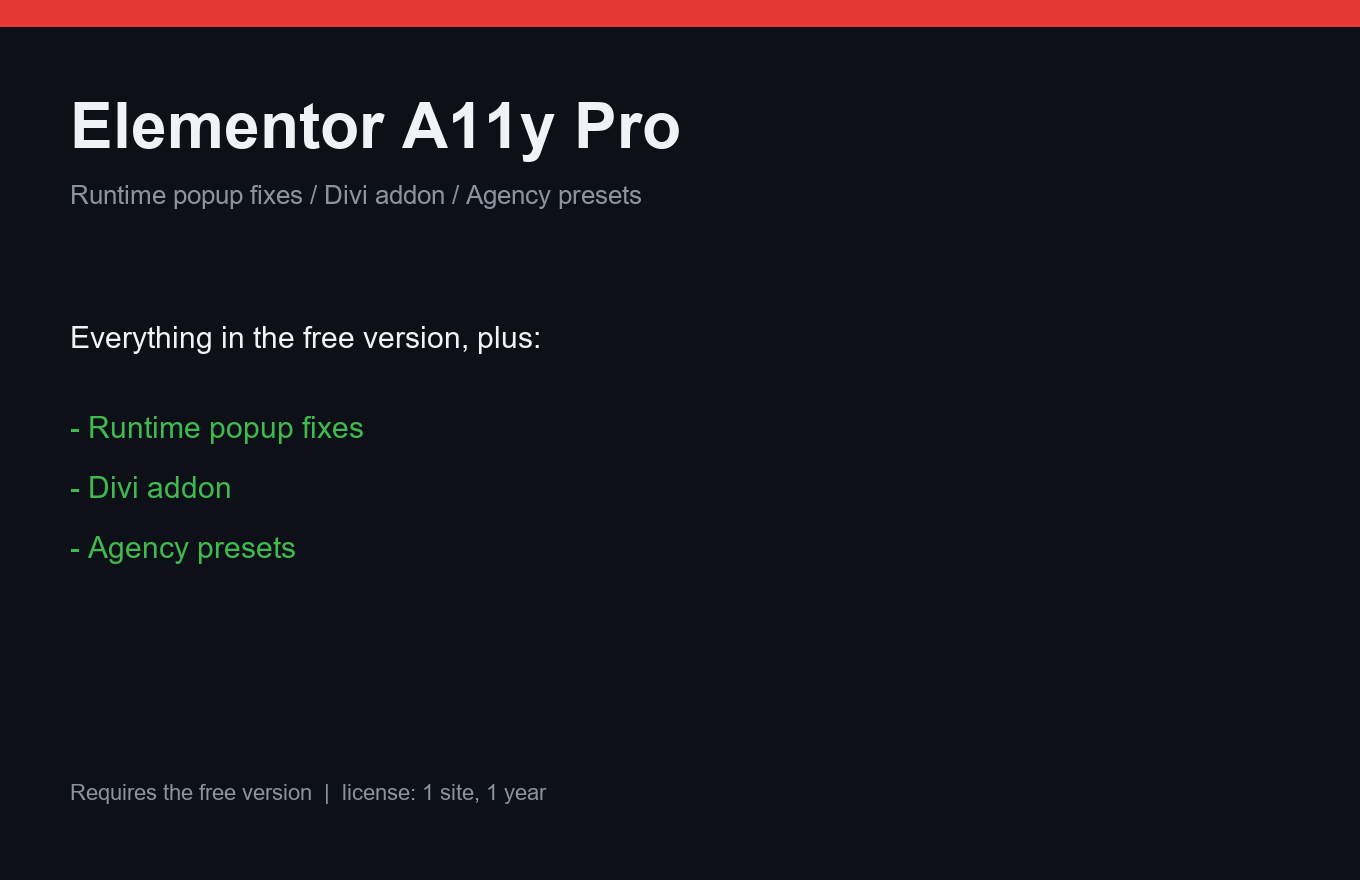
Elementor A11y Pro
Popups that screen readers and keyboards can actually use.
Instant delivery: license key + download right after payment.
About
Elementor popups are a known accessibility hole: keyboard users get lost behind the overlay, screen readers read the page behind, Esc does nothing. Pro adds runtime fixes exactly there — focus is trapped in the open popup, Esc closes it, focus returns to the trigger on close.
The JavaScript loads only on pages that actually have popups — no bloating every page. Agencies save a preset of fixes and apply it to any client site in one click; the same engine powers fixes for other builders on our roadmap.
What it does
- Runtime popup fixes: focus trap, Esc to close, focus return
- JS loads only on pages with popups — anti-bloat
- Agency presets: one-click config for client sites
- Free Elementor A11y Fixer markup repairs stay active
- Roadmap: other page builders on the same engine
- Priority support
- One license = one site, 12 months of updates
Free vs Pro
| Free | Pro | |
|---|---|---|
| Static markup fixes | Free | Free + Pro |
| Runtime popup behavior | — | Included |
| Presets for agencies | — | Included |
FAQ
Do I need Elementor Pro?
No — any Elementor version works. The fixes target the popup behavior Elementor ships.
Will it conflict with my accessibility overlay widget?
It can complement or duplicate overlay functions. We recommend testing together; the fixes are toggleable one by one.
Why is it more expensive than the other plugins?
Runtime behavior fixes are niche engineering with heavy real-world testing; the price reflects that. It stays far below overlay-widget pricing.
Installation & uninstall
Free version
- Download the zip archive with the "Download free" button above.
- In your WordPress admin: Plugins → Add New → Upload Plugin.
- Pick the downloaded zip, click "Install Now", then "Activate".
- The plugin's menu appears in wp-admin — configure it to your liking.
Pro version
- After payment, download the Pro archive from your order page (the link is also emailed).
- Install Pro like any plugin: Plugins → Add New → Upload Plugin → Activate.
- The free version must be installed and active — Pro sits on top as a companion.
- Enter the license key on the plugin's Pro settings page.
Uninstall
- Plugins → find the plugin in the list → click "Deactivate".
- Then click "Delete" — the plugin and all its data (tables, settings, logs) are removed completely.
- The Pro companion uninstalls the same way, independently; the free version keeps working.
Every plugin we ship passes a clean-uninstall test: after "Delete" no tables or leftover settings remain in the database.
Reviews
No reviews yet — be the first.