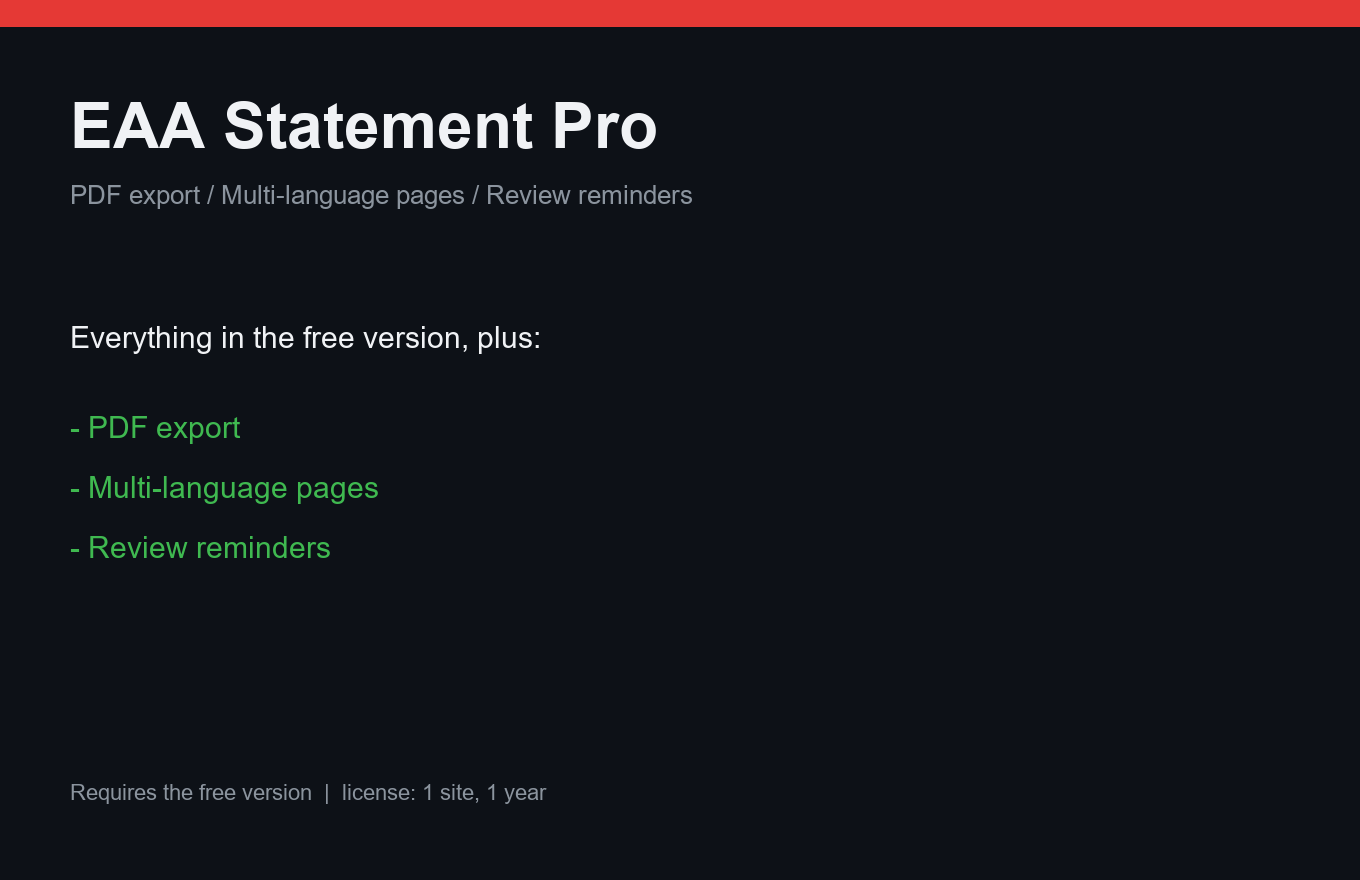
EAA Statement Pro
The European Accessibility Act statement, done properly.
Instant delivery: license key + download right after payment.
About
The European Accessibility Act requires accessible-services statements with specific content. The free EAA Statement generates the page. Pro makes it a document: branded PDF export with your logo, ready to hand to a client or a market-surveillance authority.
Multilingual shops publish the statement in every shop language (works with WPML/Polylang). Reminders watch the calendar: "this statement is 6 months old — time to revise" by email or Telegram. Agencies get white-label branding.
What it does
- PDF export of the statement with your branding
- Multilingual statement pages (WPML/Polylang-compatible)
- Revision reminders: email or Telegram
- White-label for agencies
- Statement content follows EAA requirements structure
- One license = one site, 12 months of updates
Free vs Pro
| Free | Pro | |
|---|---|---|
| Statement page generator | Yes | Yes |
| Branded PDF | — | Included |
| Multilingual pages | — | Included |
| Reminders | — | Included |
FAQ
Does this guarantee EAA compliance?
No template can. It generates the required statement correctly and keeps it current — the underlying accessibility work is yours (A11yFix and Elementor A11y Fixer help with exactly that).
Which languages are supported?
Statement text is translatable like any WordPress string — you write it once per language; Pro handles page variants, PDF and reminders.
When is the EAA deadline?
The act applies from 28 June 2025. If you sell to EU customers, the statement should already exist.
Installation & uninstall
Free version
- Download the zip archive with the "Download free" button above.
- In your WordPress admin: Plugins → Add New → Upload Plugin.
- Pick the downloaded zip, click "Install Now", then "Activate".
- The plugin's menu appears in wp-admin — configure it to your liking.
Pro version
- After payment, download the Pro archive from your order page (the link is also emailed).
- Install Pro like any plugin: Plugins → Add New → Upload Plugin → Activate.
- The free version must be installed and active — Pro sits on top as a companion.
- Enter the license key on the plugin's Pro settings page.
Uninstall
- Plugins → find the plugin in the list → click "Deactivate".
- Then click "Delete" — the plugin and all its data (tables, settings, logs) are removed completely.
- The Pro companion uninstalls the same way, independently; the free version keeps working.
Every plugin we ship passes a clean-uninstall test: after "Delete" no tables or leftover settings remain in the database.
Reviews
No reviews yet — be the first.